PPT 퀄리티는 기능보다 자료 소스에서 갈립니다.
디자인 감각이 부족해서가 아니라,
좋은 레퍼런스와 리소스를 모르는 경우가 많습니다.
아래 7곳은 실제 실무에서 바로 활용 가능한 무료 사이트입니다.
1. dribbble
디자인 레퍼런스 사이트입니다.
제안서 표지, 앱 화면 구성, 카드형 레이아웃 등
“요즘 감성”의 화면 구조를 참고하기 좋습니다.
디자인을 직접 만드는 게 아니라
잘 만든 구조를 벤치마킹하는 용도입니다
Dribbble - Discover the World’s Top Designers & Creative Professionals
Blog Design inspiration, stories, and tips
dribbble.com
2. httpster
웹 디자인 레퍼런스 사이트입니다.
심플하고 정제된 레이아웃 참고에 적합합니다.
특히 미니멀한 제안서 디자인을 만들 때 도움이 됩니다.
Website Design Inspiration | Httpster
httpster.net
3. khroma
색 조합 추천 사이트입니다.
브랜드 톤을 정할 때
“이 색이 맞나?” 고민될 때 사용하면 좋습니다.
Khroma - The AI color tool for designers
Khroma is the fastest way to discover, search, and save color combos and palettes you'll love.
www.khroma.co
4. manypixels
무료 일러스트 사이트입니다.
개념 설명용 그림이 많아
보고서나 제안서에 활용하기 좋습니다.
PNG도 제공하지만
세부 수정이 필요하다면 SVG 다운로드를 권장합니다.
https://www.manypixels.co/gallery
Free to Use Clip Art Images & Vector Illustrations | ManyPixels
Discover a diverse range of stunning illustrations at ManyPixels Design Gallery. Power up your designs with visual brilliance!
www.manypixels.co
5. storyset
레이어 선택이 가능한 일러스트 사이트입니다.
SVG 기반으로 제공되기 때문에
그룹 해제 후 일부 요소 삭제·색상 변경이 가능합니다.
“내 스타일에 맞게 커스터마이징”하기 좋습니다.
해당 사이트는 출처를 남겨야 합니다.
Storyset | Customize, animate and download illustration for free
Choose your own style! Tell your story with the help of our 'friends' Editable color: choose the hue that best suits the needs of your project Customize! There are a lot of different backgrounds and layers to pick from Animated illustrations: bring your id
storyset.com
6. wetransfer
대용량 파일 전송 사이트입니다.
최대 2GB까지 무료 전송 가능해
용량이 큰 PPT 전달 시 유용합니다
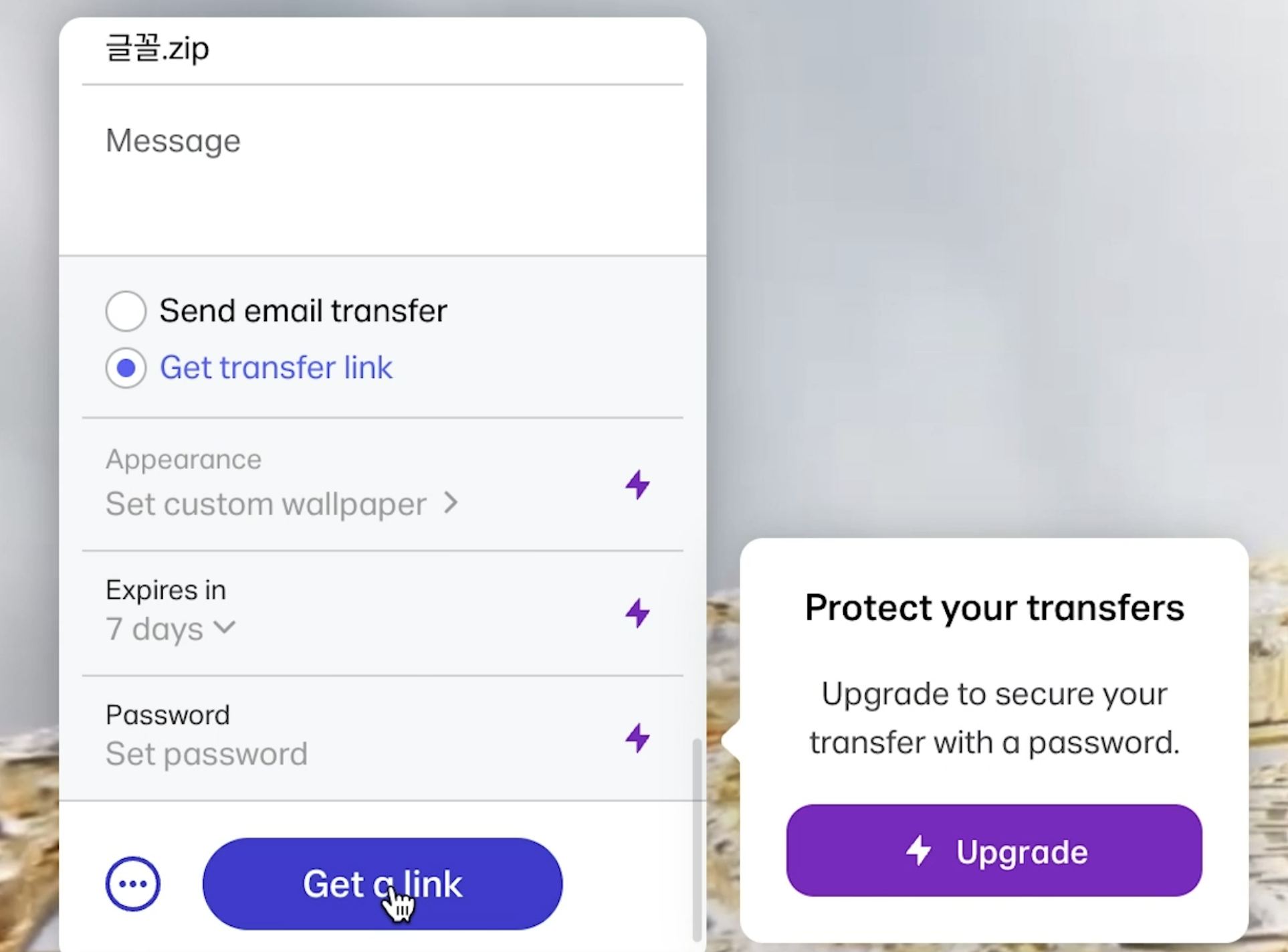

WeTransfer | Send Large Files Fast
The simple, quick and secure way to send your files around the world without an account. Share your files, photos, and videos today for free.
wetransfer.com
7. I Love PDF
PDF 변환 및 편집 사이트입니다.
PPT → PDF 변환
PDF 병합, 분할, 압축 등
마무리 작업에 자주 사용됩니다.
iLovePDF | PDF를 즐겨 쓰시는 분들을 위한 온라인 PDF 툴
iLovePDF는 PDF 파일 작업을 위한 온라인 서비스로 완전히 무료이며 사용하기 쉽습니다. PDF 병합, PDF 분리, PDF 압축, 오피스 파일에서 PDF로, PDF에서 JPG로 변환 등!
www.ilovepdf.com
'분석 보고서 > 파워포인트' 카테고리의 다른 글
| 글 머리 기호와 문자 간격 좁히기 (PPT 눈금자 삼각형 활용) (0) | 2026.02.12 |
|---|---|
| PPT 작업 속도를 높이는 기본 텍스트 상자 설정 방법 (0) | 2026.02.12 |
| 세부 편집을 고려한 이미지 선택: PNG vs SVG (0) | 2026.02.12 |
| PPT 작업 효율을 높이는 기본 세팅 전략 (0) | 2026.02.10 |
| 파워포인트에서 ‘도형에 맞춰 자르기’ 이해하기초안 (0) | 2026.02.09 |